

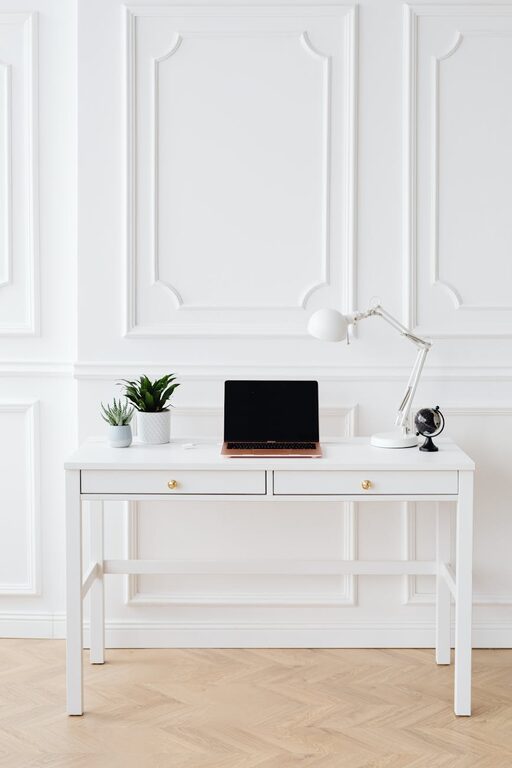
Creating an organised, clutter-free home office is key to maintaining focus and efficiency throughout your workday. Whether you are a remote worker, freelancer, or simply need a dedicated space for tasks, a well-arranged office can make all the difference. This guide will walk you through practical tips to help you organise your home office, reduce distractions, and create a welcoming, productive environment.
Why Organise Your Home Office?
An organised office space isn’t just about aesthetics. Clutter can cause stress, reduce your focus, and slow you down. When everything has its place, you spend less time searching for items and more time on what truly matters. Plus, a tidy space promotes a professional mindset and can even inspire creativity.
Step 1: Declutter and Sort
Before arranging your office, it’s essential to start fresh by decluttering. Here’s how:
– Empty your workspace: Take everything off your desk and shelves.
– Sort items into categories: Keep, recycle, donate, or throw away.
– Be honest: If you haven’t used something in the last six months, ask if you really need it.
– Limit paper piles: Go digital where possible to cut down on physical clutter.
Step 2: Choose the Right Furniture
The furniture you select can make or break your organisation efforts.
– Desk with storage: Opt for desks with drawers or built-in compartments to keep essential items close but out of sight.
– Ergonomic chair: Invest in a comfortable, supportive chair that encourages good posture.
– Shelving units: Use shelves to store books, folders, and decorative items neatly.
– Mobile storage: Consider wheeled storage boxes that can be tucked away or moved as needed.
Step 3: Maximise Storage Solutions
Good storage is critical for maintaining a tidy office.
– Use organisers and trays: Desk organisers keep pens, paperclips, and stationery orderly.
– Filing systems: Adopt a simple filing method for documents, either by project, date or priority.
– Wall storage: Use wall-mounted shelves, bulletin boards, or pegboards to free up desk space.
– Cable management: Use clips, ties, or sleeves to keep cables neat and avoid tangles.
Step 4: Create Zones for Different Tasks
Dividing your space into zones can help improve efficiency.
– Work zone: Your desk area should be reserved for computer work or serious tasks.
– Reference zone: A nearby shelving unit or filing cabinet for books and papers.
– Creative zone: If you do creative tasks, set aside a small area with necessary supplies.
– Relaxation zone: If space allows, a small comfy chair for reading or breaks.
Step 5: Keep It Personal but Minimal
Adding personal touches makes your workspace inspiring and welcoming.
– Photographs and mementos: Limit these to one or two items to avoid clutter.
– Plants: Small plants can improve air quality and mood but choose low maintenance types.
– Colours and decor: Use calming or motivating colours and keep decoration minimal to reduce distractions.
Step 6: Maintain Your Organised Space
Organisation is an ongoing process, not a one-time task.
– Daily tidy-up: Spend 5–10 minutes at the end of each day putting things back in their place.
– Regular reviews: Every month, reassess what you need and remove unnecessary items.
– Adopt routines: Create habits around filing paperwork and tidying your workspace.
– Digital declutter: Don’t forget to organise your computer files and delete unneeded emails regularly.
Bonus Tips for a Productive Home Office
– Good lighting: Natural light is ideal; supplement with a quality desk lamp.
– Noise control: Use noise-cancelling headphones or white noise machines if needed.
– Comfort features: Consider a footrest, wrist supports, or a standing desk to improve comfort.
– Personal schedule: Keep a calendar or planner visible to manage deadlines and appointments.
—
By following these steps, your home office can become a calm, clutter-free zone that supports your productivity and wellbeing. Remember, the goal is to create a space that feels both functional and comfortable, tailored to your work style and needs. Organising takes effort but the benefits of a clear, efficient workspace are well worth it. Happy organising!